How to Answer “Your Price Is Too High” Before You Touch the Number
Find out what you are being compared to, line it up on one page and answer the real gap.
You’ll finish with One page that shows both offers side by side, the differences that matter on this job, the change you offered if one was needed, and the reason the customer gave for the choice.


Download the PDFPDF, 742 KB, 9 pagesDownload the slidesPDF, 414 KB, 14 slides
In this guide7 steps
You’ll finish with One page that shows both offers side by side, the differences that matter on this job, the change you offered if one was needed, and the reason the customer gave for the choice.
- Step 01Ask what you are being compared to
- Step 02Ask to see the other quote
- Step 03Put both offers on one page
- Step 04Circle the differences that matter on this job
- Step 05Say what your price includes, in work
- Step 06If the offers match, deal with the gap
- Step 07Write down why they chose
From the episodeThe Real Reason Customers Buy Again
From the episodeThe Real Reason Customers Buy Again
Find out what you are being compared to, line it up on one page and answer the real gap.
A builder leans on the counter, looks at your quote for a door package and says it. “Your price is too high.”
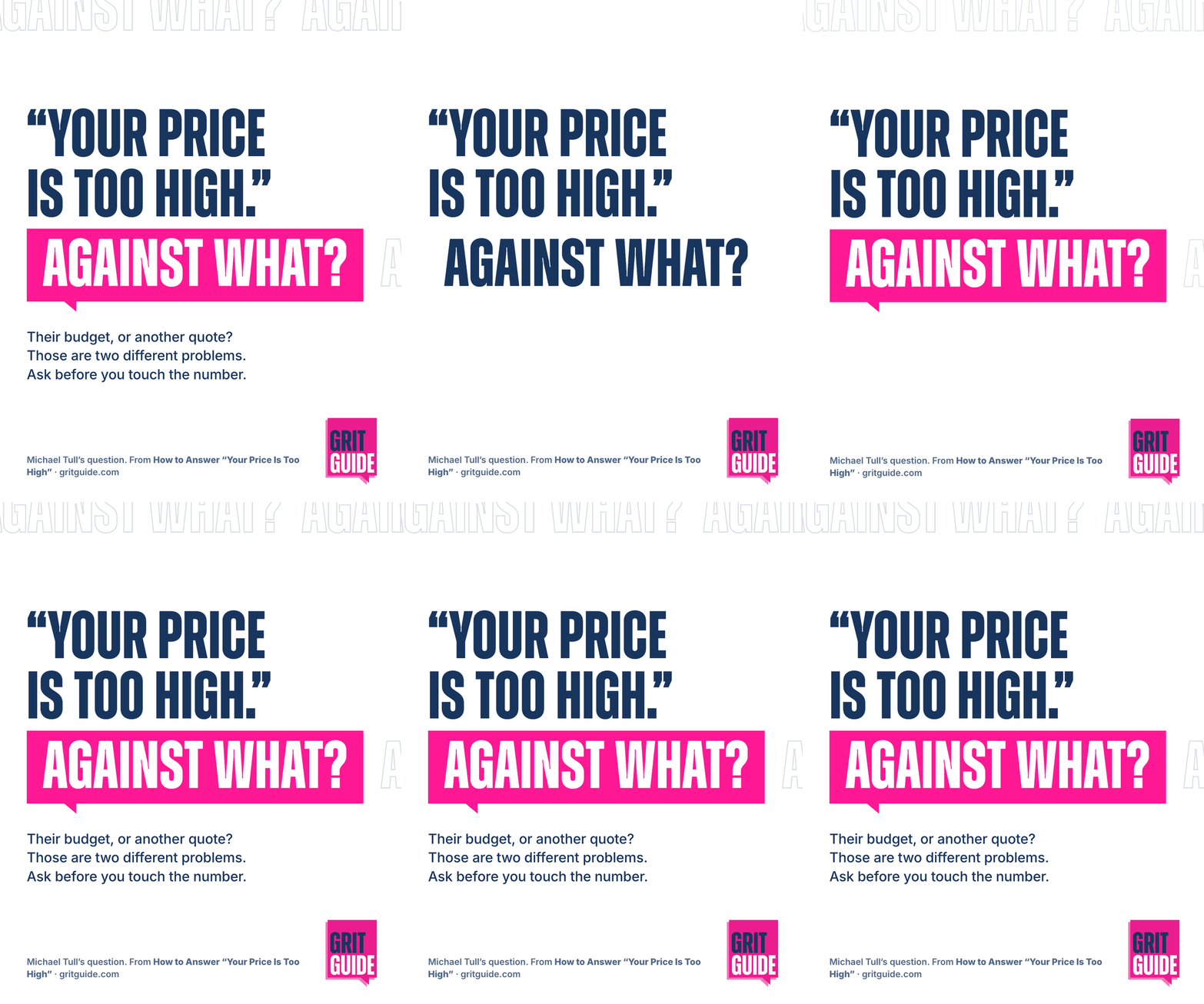
It is tempting to start defending your service, or to start cutting. Both skip the question that matters. Michael Tull has been in the door business for fifty-five years. He runs Tull Sales as a manufacturer’s rep, a salesperson who represents manufacturers in a territory. On the Grit Blueprint Podcast he asked that question in two words: “when someone says your price is too high, against what?” He wants to see what he is selling against, to know if his price is really too high “or am I talking about an apple versus an orange?”
This guide is that question, worked out step by step. It is for counter, inside and outside salespeople at dealers and distributors. A dealer sells building materials to builders, remodelers and homeowners. A distributor sells to dealers. It will not win every job. Sometimes your price really is higher and the cheaper choice fits. After these steps you will know which it is, and so will the customer.
- Your current quote, with its date or version number
- The plans, list or messages the quote was built from
- Your company’s rule on who can approve a price change
- A blank comparison page (the table in step 3)
- A few quiet minutes with the customer, at the counter or on the phone
Step 1: Ask what you are being compared to
Ask it calmly, as a real question. Is the gap against their budget, or against another quote? Those are two different problems. A budget gap means the job may need a different product or a smaller scope. Scope is everything a quote covers: the products, the quantities and the services. Another quote means you need to see what that price buys.
Write the answer at the top of your page: “Gap is against another dealer’s quote,” or “Gap is against the homeowner’s budget.”
Listen for one more thing. A customer who says “I need to run it by my partner” has not given you a price objection. That is a decision still being made. Ask who decides and when.
Step 2: Ask to see the other quote
If there is another quote, ask if they can share it. If they cannot, ask them to read you the product, the quantities and what is included.
Do not knock the other supplier. Do not say their quote is missing something until you have seen it. Ask. “Does theirs include the finish?” is a fair question. “They always leave things out” is a guess.
Step 3: Put both offers on one page
Use the same lines for both offers. Fill in what you can confirm. Where you do not know, write “unknown.” An unknown is a question to ask the customer. It is not proof the other quote is short.
Do not make either choice look cheaper by leaving part of it out. Price the full scope on both sides.
| Compare | Your quote | The other offer |
|---|---|---|
| Exact product or series | Confirm | Confirm or unknown |
| Style and finish | Confirm | Confirm or unknown |
| Construction and use | Verify | Verify or unknown |
| Sizes and configurations | Confirm | Confirm or unknown |
| Quantities | Confirm | Confirm or unknown |
| Included products and services | List | List or unknown |
| Delivery, pickup and freight | List | List or unknown |
| Open selections or exclusions | List | List or unknown |
| Availability and the date you checked | Verify | Verify or unknown |
| Total quoted amount | Price full scope | Price full scope |
Adapted from the option comparison tool in Grit Guide’s Millwork Sales field guide. Product claims come from current manufacturer and supplier information, not from the look of a product.
Step 4: Circle the differences that matter on this job
Not every difference is worth money to this customer. Go back to what they told you matters most on this job: the look, the date, the upkeep or the price. Circle only the lines that touch those.
Stefanie Couch makes the point in the same episode. Sometimes the two offers are not the same thing, and sometimes that matters to people. Sometimes it does not, and they would take the orange if it is cheaper. A higher price does not prove a better fit.
Step 5: Say what your price includes, in work
“Great service” gives the customer nothing to compare. Name the work. Maybe your team reviews every order line by line with the customer before it is placed. Maybe the package comes to the site on a date you coordinate. Maybe one named person answers questions about the order.
Promise only what your team really does. Do not claim you will prevent every delay or mistake. Nobody can.
Step 6: If the offers match, deal with the gap
Sometimes the page shows the same product, the same scope and the same service, and your number is still higher. Say so. Then look for a change that fits:
- A different product that still meets what the job requires
- A smaller scope, such as taking an item out of the package
- A different service, such as pickup in place of delivery
Check what each change does before you offer it. Never trade away something the job requires just to hit a number. Take that question to the right person on the project first.
If the only thing left to change is the price, follow your company’s rule. Get the approval. Then send a revised quote that shows what changed. A text message should not be the only place a new number lives.
Step 7: Write down why they chose
Win or lose, ask what decided it. Write down the reason the customer gave, in their words. If you never found out why they objected, make that your first question next time.
Once a week, read your reasons in a row and ask what helped a customer decide. Over time the list shows which customers value the work you do.
Finish line
You should now have: One page that shows both offers side by side, the differences that matter on this job, the change you offered if one was needed, and the reason the customer gave for the choice.
Two scripts
Use it when: the customer says the price is too high and you do not know why.
“Help me understand the gap. Is it against your budget for [this part of the job], or against another quote? If it is another quote, let’s put the two side by side so I can help with the right change.”
Use it when: you cannot match the number.
“I cannot approve that price as it stands. Here is what I can do. I will review [the option] with [manager’s name] and call you by [day and time] with what we can offer. If anything changes, I will send a new quote that shows the change.”
Price objection checklist
Tick these off as you go. Any box you can’t tick is the step to go back to.
0 of 10 ticked
You’re done when
- The comparison page is in the job file, with both offers on the same lines.
- No line is blank. Each one is confirmed or marked “unknown.”
- Any change to price, product or scope shows in a dated, revised quote.
- The customer’s reason for the decision is written down in their words.
What to do next
Say the first script out loud a few times before you need it. This AI prompt lets you practice a price objection with a pretend customer who pushes back. Then read Teach Before You Talk Price, which covers what to bring a customer before the price ever comes up.
Episodes in this piece
Take it to your team
The whole guide as a PDF to print or keep, and slides to walk your team through it, one step at a time.
Download the PDFPDF, 742 KB, 9 pagesDownload the slidesPDF, 414 KB, 14 slides